 Piclash
Free online photo and design tools
Each of these is a tool inside the Piclash editor. They're free, they run on your device, and there's no account and no watermark.
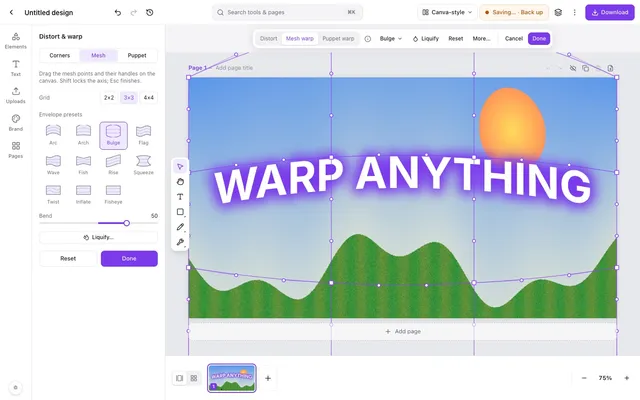 Warp an image online, freeMesh warp, envelope presets (arc, bulge, flag, wave…) and puppet warp on photos, shapes and text.
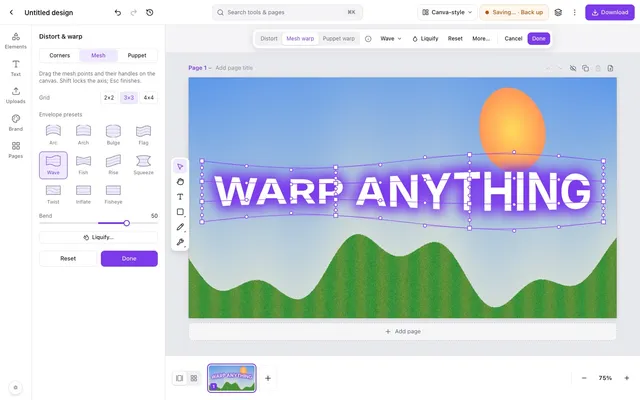 Warp and curve text online, freeCurve text, or warp it with arc, wave, flag, bulge and mesh, and it stays editable.
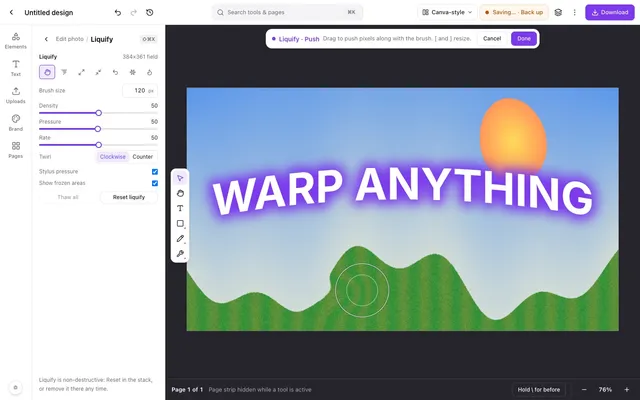 Liquify a photo online, freePush, twirl, pinch and bloat pixels with a brush, and freeze the parts you want to keep.
- Puppet warp online, freePin points on an image, then drag to bend arms, tails, banners and text naturally.
- Remove an image background online, freeOne click, runs on your own device, unlimited, and downloads as a transparent PNG.
- Remove unwanted objects from a photo, freeBrush over what you don't want and it's filled in from the surroundings. Heal, patch and clone too.
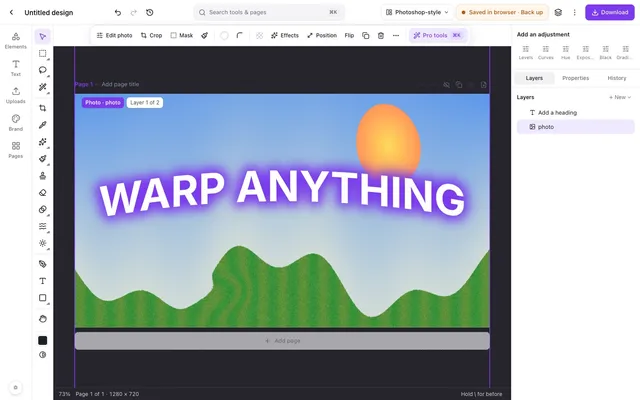 Curves, levels and HSL online, freeTone curves, levels with a histogram, HSL, LUT looks and adjustment layers.
- A free online photo editor with layers, masks and blend modesLayers, masks, adjustment layers, blend modes and layer styles, in a browser tab.
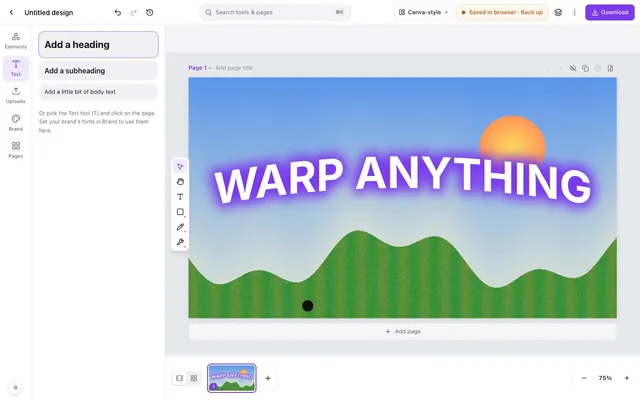 Make YouTube thumbnails that stand out, free1280×720 canvas, glowing warped text, one-click cut-outs, and a PNG with no watermark.