 Piclash
A free Canva alternative, with the photo tools Canva doesn't have
Piclash is a free Canva alternative in your browser, with no account. Import your Canva designs, then warp, retouch and colour-correct with Photoshop-style tools.
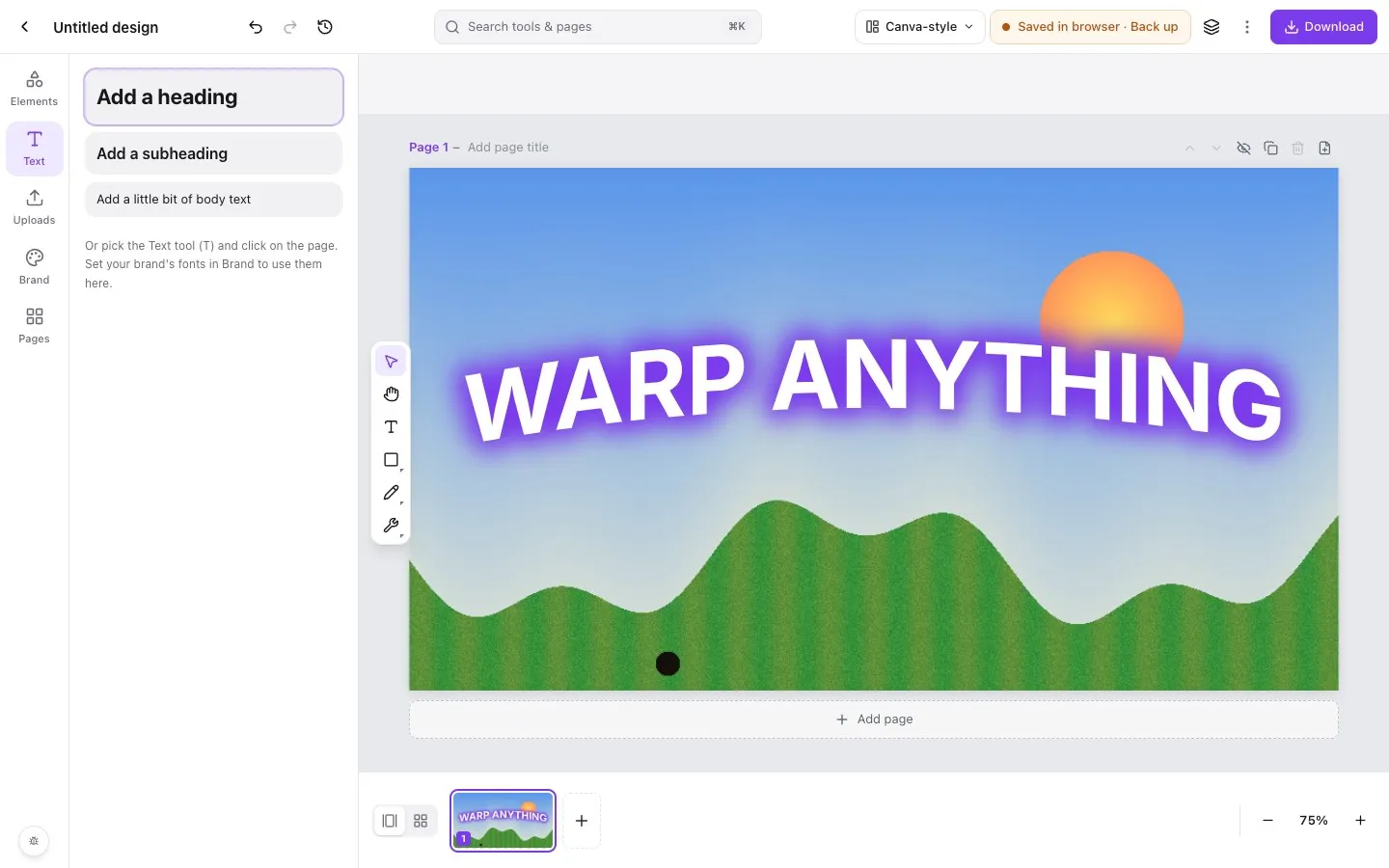
People look for a Canva alternative for a few reasons: a feature they need is behind Canva Pro, they want more control over photos than sliders give, or they’d rather not keep their work in someone else’s cloud. Piclash covers all three, and it can open the designs you already made in Canva.
Piclash and Canva side by side
| Canva (free) | Canva Pro | Piclash | |
|---|---|---|---|
| Price | Free | Paid subscription | Free |
| Account | Required | Required | None |
| Where designs live | Canva’s cloud | Canva’s cloud | Your device, plus .design files |
| Templates and stock library | Large | Larger | Sizes only, no stock |
| Background remover | Limited or none | Yes | Yes, unlimited, on-device |
| Magic Eraser or object removal | Limited or none | Yes | Yes (content-aware fill, heal, clone, patch) |
| Curves and levels | No | No | Yes |
| Layer masks and blend modes | Basic | Basic | Full Photoshop set |
| Mesh, envelope and puppet warp | Via apps | Via apps | Built in, editable |
| Liquify | Via apps | Via apps | Built in |
| Wave, flag and bulge text | Via apps | Via apps | Built in, text stays editable |
| Real-time collaboration | Yes | Yes | No |
| Video and animation | Yes | Yes | No |
| Export | PNG, JPG, PDF | Plus SVG, transparent PNG | PNG (transparent), JPG, PDF, SVG, PPTX |
Canva’s features and plans change. This reflects them as of October 2026; check Canva’s pricing page for specifics.
When Piclash is the better pick
- You’ve hit a Pro-only feature (background remover, Magic Eraser, transparent PNGs, SVG export) and don’t want a subscription for it.
- A photo needs real editing: curves, healing, masks or a careful selection.
- You want warps: bending images and text in ways Canva’s toolbar can’t.
- You’d like your designs to stay on your device, with no account at all.
When Canva is the better pick
- You start from templates and lean on its stock library.
- You collaborate with a team, with comments, approvals and shared brand kits.
- You make video, animations or social posts you schedule from Canva.
Plenty of people use both. Design in Canva, import into Piclash for the pro work, and export the finished result.
Questions
Is Piclash a Canva clone?
No. It shares Canva's easy way of laying out pages, text and shapes, and adds the photo-editing depth of a desktop editor: layers and masks, curves, healing, warps and liquify. It's an independent product, not affiliated with Canva.
Can I open my existing Canva designs?
Yes. The free importer turns a Canva design into a .design file that Piclash opens with editable pages, text and layers. Canva's paid stock arrives as placeholders for you to replace.
Does Piclash have templates and stock photos like Canva?
Not a template marketplace or a stock library. You start from a size (Instagram post, YouTube thumbnail, presentation and more) or from your own or imported designs. If you rely on Canva's templates and stock, keep using Canva for those and bring designs over when you need the pro tools.
Is it really free?
Yes, with no account and no watermark. It runs in your browser, so there are no server costs per design to charge you for.
Try it on your own design
Free, nothing to install, and your work stays on your device.
Related
- Bring your Canva designs into Piclash, still editablePages, text, shapes and your photos come across as editable layers, not a flat picture.
- Canva vs Photoshop: which one do you actually need?What each does best, where each falls short, and a free middle option that does some of both.
- How to remove a background from a Canva design for freeCanva's BG Remover is a paid feature. A free route that keeps your Canva layout intact.
- How to warp an image in CanvaWhat Canva can do with apps, and how to get a real mesh, envelope or puppet warp on a Canva design.