 Piclash
Guides: getting more out of Canva designs
Canva is great for quick layouts. These guides cover what it makes hard or keeps behind Pro, and how to do it for free, often by bringing your Canva design into Piclash.
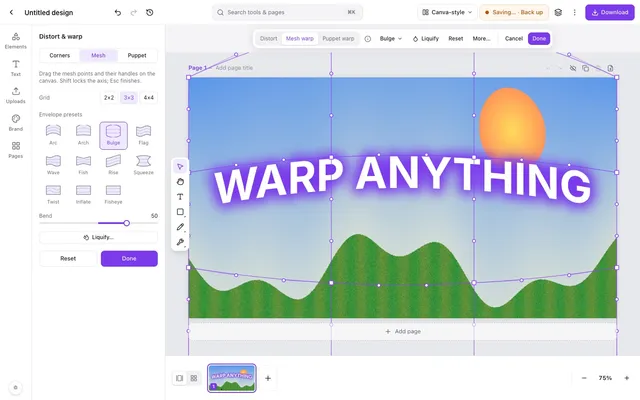 How to warp an image in CanvaWhat Canva can do with apps, and how to get a real mesh, envelope or puppet warp on a Canva design.
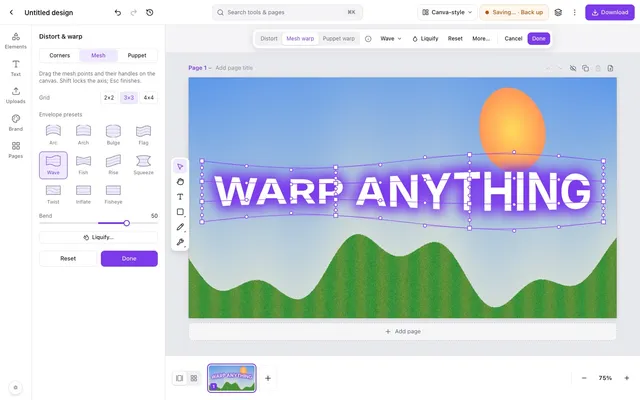 How to warp text in CanvaCanva's Curve effect for arcs, and how to get wave, flag, bulge and mesh warps on editable text.
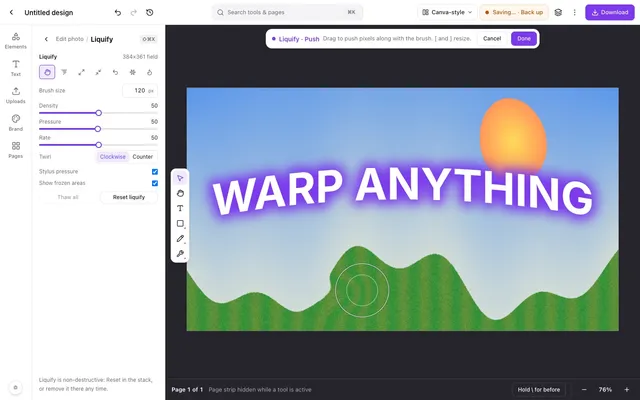 Can you liquify a photo in Canva?What Canva's apps offer, and how to liquify a Canva design's photos with Photoshop-style brushes.
- How to remove a background from a Canva design for freeCanva's BG Remover is a paid feature. A free route that keeps your Canva layout intact.
- How to remove objects from photos in a Canva design for freeCanva's Magic Eraser is part of the paid plans. Erase objects free, with healing tools as well.
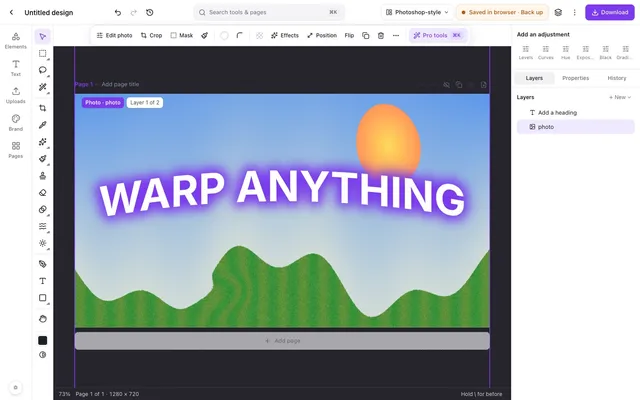 How to edit a Canva design with Photoshop-style toolsCanva has no layered PSD export. How to keep the layers and edit with Photoshop-style tools.
- Can you use curves and levels in Canva?Canva has adjustment sliders, but no curves or levels. How to get them for your Canva photos.