 Piclash
How to edit a Canva design with Photoshop-style tools
Canva doesn't export layered PSD files. Here's how to get a Canva design out with its layers and edit it with Photoshop-style tools, free in your browser.
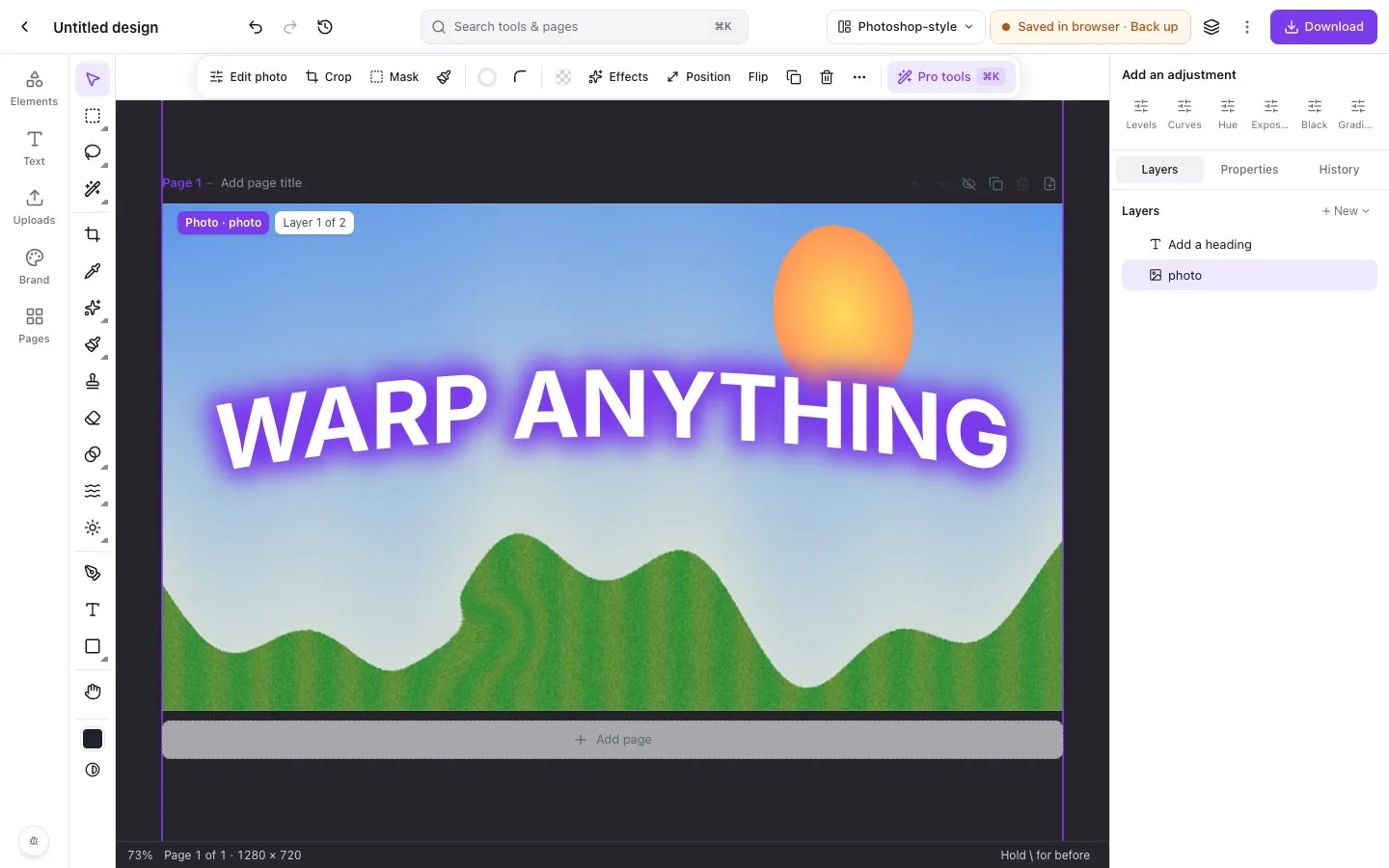
Step by step in Piclash
- 1Export from Canva with the importerAdd Piclash's free importer to Chrome, Edge or Brave, open your design in Canva and download it as .design. Pages, text, shapes and your photos stay separate layers.
- 2Open it in PiclashDrop the file onto Piclash. Switch to the Photoshop-style workspace from the menu at the top if you prefer that layout.
- 3Edit with the pro toolsUse layers, masks, curves and levels, healing, selections, warps, liquify and blend modes on any element.
- 4ExportDownload PNG, JPG, PDF, SVG or an editable PowerPoint deck, and save a .design file to keep everything editable.
Canva is where a lot of designs start. Then the photo needs proper retouching, or you want curves, masks or a warp, and you discover there’s no way to get a layered file out.
Why there’s no easy route to Photoshop
Canva doesn’t export PSD. The usual workarounds each lose something:
- PNG or JPG: one flat image. The text isn’t text any more.
- PDF into Photoshop: rasterised into a single layer.
- PDF into Illustrator: you get vectors, but text is often broken into pieces and effects flattened.
- Rebuild by hand: accurate, but slow.
Keep the layers with Piclash
Piclash reads the Canva design itself, through its free importer, and rebuilds it as editable layers: live text, shapes, your photos with their crops, groups and effects. Then you get Photoshop-style tools on top, either in Piclash’s default layout or its Photoshop-style workspace:
- Layers, layer masks, clipping and blend modes.
- Curves, levels, HSL and adjustment layers.
- Spot heal, heal, clone, patch and content-aware fill.
- Marquee, lasso, magic wand and select subject.
- Mesh, envelope and puppet warps, and liquify.
It runs in the browser, free, and the design never leaves your computer.
When you really need Photoshop
If the next step is a Photoshop-only workflow (actions, plug-ins, print prep for a specific press), export a high-resolution PNG or a PDF from Piclash and continue there. For everything up to that point, you don’t need a subscription.
Questions
Can Canva export a PSD file?
No, Canva has no layered PSD export as of October 2026. Its downloads (PNG, JPG, PDF, SVG, MP4, GIF, PPTX) don't open in Photoshop as a layered document.
What about exporting a PDF and opening it in Photoshop?
Photoshop rasterises a PDF page into a single layer, so the text and objects are no longer separate. Illustrator or a vector editor keeps more structure, but text and effects often break apart.
Can Piclash export a PSD?
Not yet. Piclash keeps everything editable in its own .design files and exports PNG, JPG, PDF, SVG and PPTX. If you need PSD for a hand-off to someone using Photoshop, export a high-resolution PNG or PDF.
Try it on your own design
Free, nothing to install, and your work stays on your device.
Related
- Bring your Canva designs into Piclash, still editablePages, text, shapes and your photos come across as editable layers, not a flat picture.
- Prefer Photoshop's layout? Switch to it.Tool column, options bar, Layers dock and Photoshop's keyboard shortcuts, one click away.
- Canva vs Photoshop: which one do you actually need?What each does best, where each falls short, and a free middle option that does some of both.
- A free online photo editor with layers, masks and blend modesLayers, masks, adjustment layers, blend modes and layer styles, in a browser tab.