 Piclash
Your designs stay on your device
Piclash runs entirely in your browser. No account, no uploads to our servers, and it keeps working offline once loaded. Free design and photo editing.
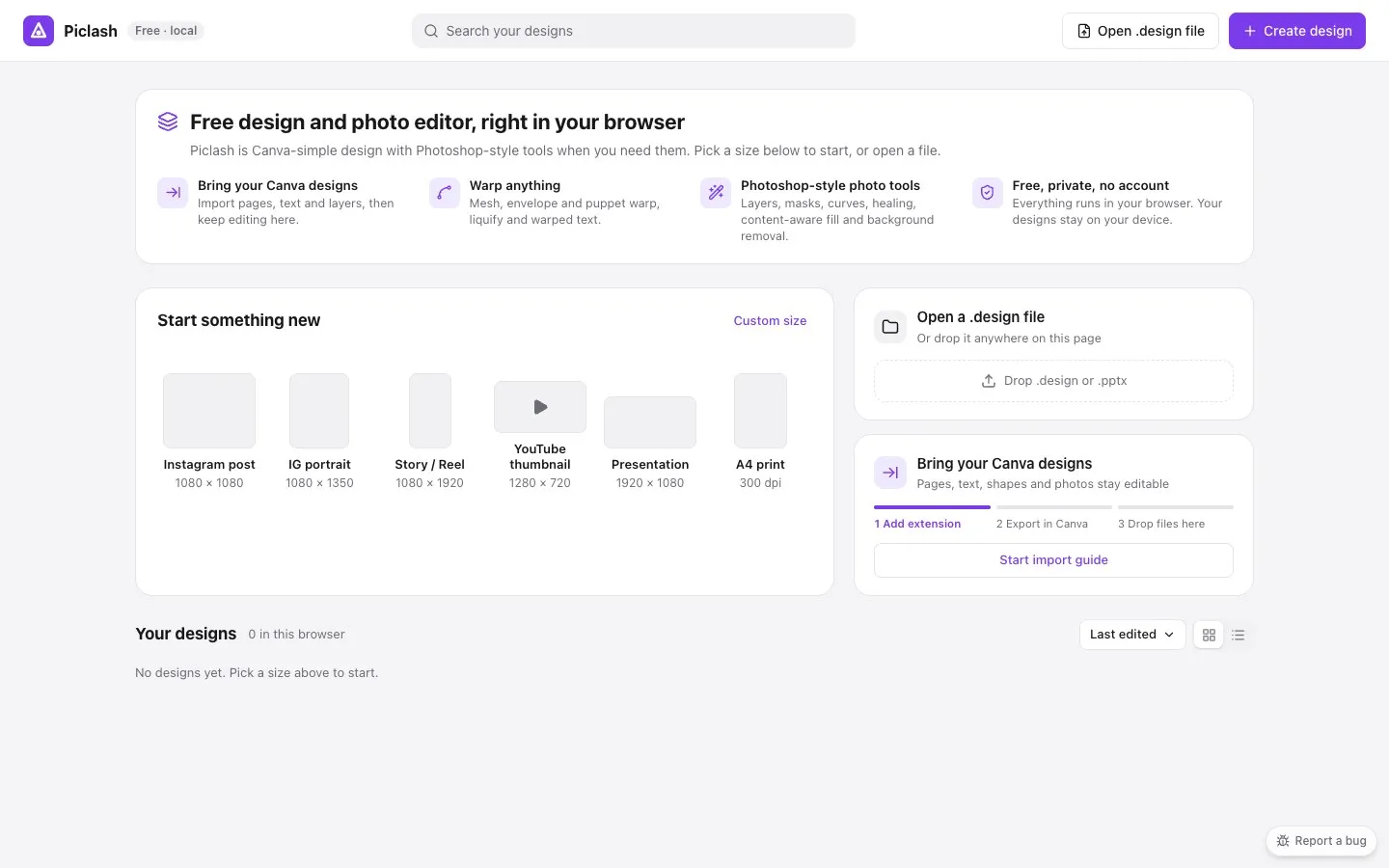
Most online design tools want an account before you’ve made anything, and they keep your work on their servers. Piclash works the other way round.
Nothing to sign up for
Open the site, pick a size and start designing. There’s no account, no trial and no watermark.
Your work stays with you
Designs are saved in your browser on your device, as you work. They aren’t uploaded to a Piclash server. To back them up or move them, save a .design file. It holds everything: pages, layers, photos and edits. Open it on any computer, in any browser, to pick up where you left off.
The heavier tools run locally too. Background removal, select subject, healing and content-aware fill all process your photo on your own machine.
It keeps working offline
After the first visit, the editor is cached by your browser. On a plane or a train, or with patchy Wi-Fi, you can open your designs and keep editing.
The trade-off, honestly
Because there’s no account, there’s no cloud sync and no shared team workspace. If you work across devices, save .design files to a synced folder (iCloud Drive, Google Drive, Dropbox) and open them from there. If you need real-time collaboration with comments and approvals, an online tool like Canva will suit you better.
Questions
Where are my designs stored?
In your browser's own storage on your device. To keep a copy safe or move it to another computer, save a .design file (Ctrl+S or Cmd+S). Piclash reminds you if changes haven't been backed up for a day.
Do I need an account?
No. Open the site and start. There's nothing to sign up for.
Does background removal upload my photo?
No. The background remover runs on your device. The first time you use it, your browser downloads the model it needs; after that, your photo never leaves your computer.
Can I use it offline?
Yes. Once Piclash has loaded, it keeps working without a connection, and designs open from your browser's storage.
What could make me lose a design?
Clearing your browser's site data, or the browser clearing it to free space. Piclash asks the browser to keep its storage and shows how much you're using, but a saved .design file is the real backup.
Try it on your own design
Free, nothing to install, and your work stays on your device.
Related
- Bring your Canva designs into Piclash, still editablePages, text, shapes and your photos come across as editable layers, not a flat picture.
- A free Canva alternative, with the photo tools Canva doesn't haveCanva-style design plus warps, liquify, curves and healing. Free, no account, and it imports Canva designs.
- Remove an image background online, freeOne click, runs on your own device, unlimited, and downloads as a transparent PNG.
- A Photopea alternative, with no ads and Canva-style designBrowser-based like Photopea, with no ads, a modern layout, multi-page design and Canva import.