 Piclash
Bring your Canva designs into Piclash, still editable
Move a Canva design into Piclash with its pages, text and layers intact, then warp, retouch and adjust it with tools Canva doesn't have. Free.
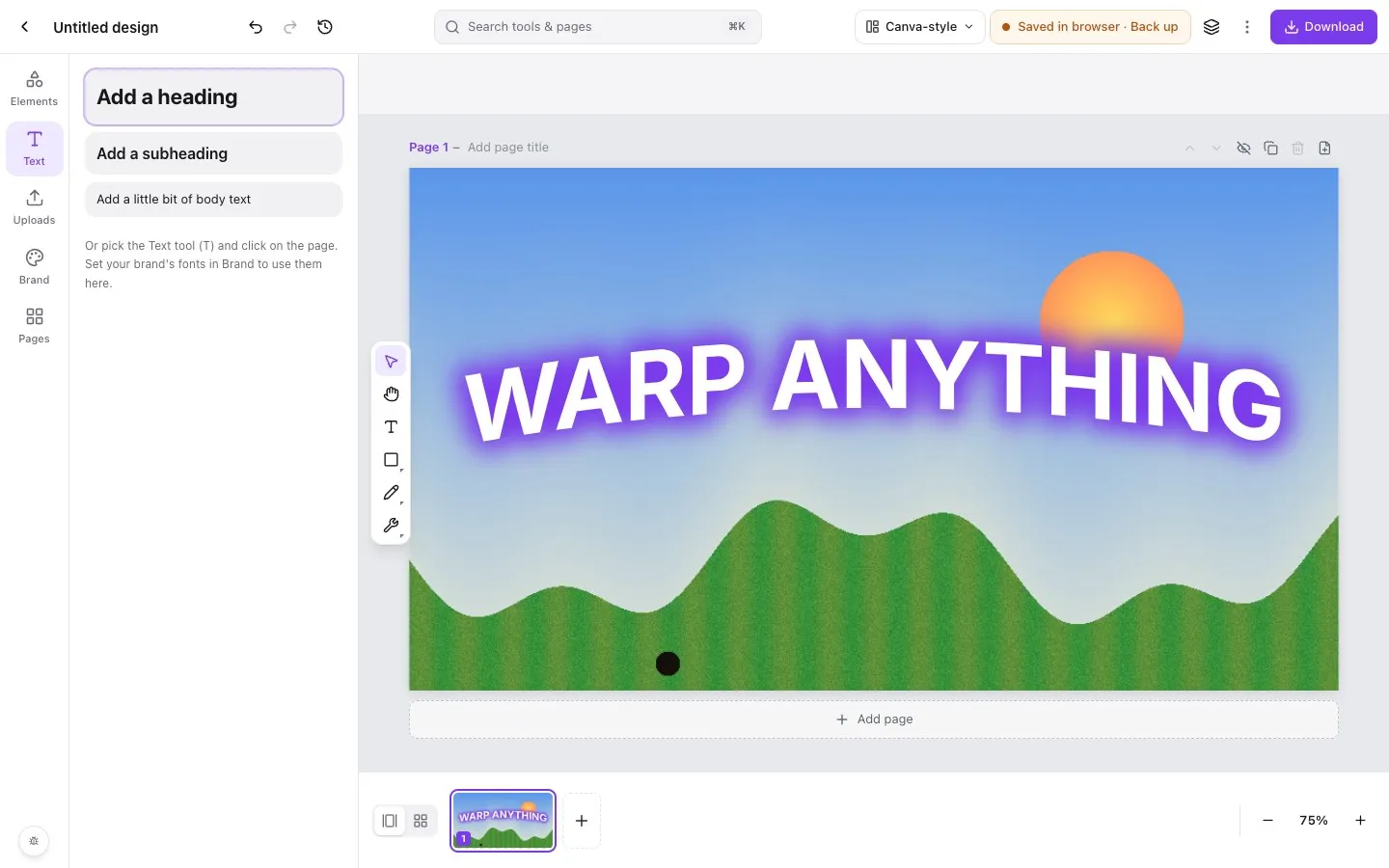
Step by step in Piclash
- 1Add the importer to your browserIn Piclash, choose Bring your Canva designs (or File → Import from Canva) and follow the guide to add the free importer extension. It works in Chrome, Edge, Brave and other Chromium browsers.
- 2Export from CanvaOpen your design in Canva. The importer adds a .design option to the download menu; choose it and download. You can also export several designs at once from the extension's button.
- 3Open it in PiclashDrop the .design file onto Piclash (or use Open .design file). Every page opens as editable text, shapes, photos and effects.
Canva is quick for layouts, but the moment a design needs a warp, a proper retouch or curves on a photo, you hit a wall. Downloading a PNG and opening it elsewhere throws away the layers: the text is no longer text, and every change means starting over.
Piclash takes the design itself. The importer reads your Canva design and turns it into a .design file that Piclash opens with the same pages, positions and sizes, and with real, editable layers.
What comes across
- Pages at your design’s size, in order, with their titles.
- Text as live text you can retype, restyle and warp.
- Shapes, lines and frames, with fills, outlines and corner radius.
- Your photos, with crops, flips and transparency, plus the effects Canva applied to them, such as glows and shadows.
- Recolourable graphics in the colours you chose.
- Groups and layer order.
What changes
Canva’s paid stock photos and Pro elements stay licensed to Canva. They arrive as watermarked, low-resolution placeholders so your layout stays intact, and Piclash’s Replace panel walks you through swapping each one for your own image. The new image keeps the placeholder’s position, crop and effects.
What you can do next
Once it’s in Piclash, everything in the editor applies to your design. You can warp images and text, liquify, remove objects, remove backgrounds, and adjust photos with curves and levels. When you’re done, download a PNG, JPG, PDF, SVG or an editable PowerPoint deck.
Questions
Does importing a Canva design cost anything?
No. Piclash and the importer are free, and the import happens in your own browser.
What happens to Canva Pro photos and paid elements?
Canva licenses its paid stock and Pro content for use inside Canva only, so those come in as low-resolution placeholders marked "Canva Licensed - Replace". Piclash lists them so you can swap each one for your own image in a couple of clicks. Canva's free elements and your own uploads come across as they are.
Is my design uploaded anywhere?
No. The importer reads the design you have open in Canva and saves a file to your computer; Piclash opens it in your browser. Nothing goes to a Piclash server.
Can I send the design back to Canva?
Not as an editable Canva design. You can download from Piclash as PNG, JPG, PDF, SVG or an editable PowerPoint file, and PowerPoint files can be imported into Canva.
Try it on your own design
Free, nothing to install, and your work stays on your device.
Related
- How to edit a Canva design with Photoshop-style toolsCanva has no layered PSD export. How to keep the layers and edit with Photoshop-style tools.
- How to warp an image in CanvaWhat Canva can do with apps, and how to get a real mesh, envelope or puppet warp on a Canva design.
- A free Canva alternative, with the photo tools Canva doesn't haveCanva-style design plus warps, liquify, curves and healing. Free, no account, and it imports Canva designs.
- Warp an image online, freeMesh warp, envelope presets (arc, bulge, flag, wave…) and puppet warp on photos, shapes and text.